Creating first Angular project using Visual Studio Code
Launch visual studio code and click on below to enter a new terminal:
CTRL + SHIFT + ~
The terminal window will be opened as below.
Go to the project folder by using the below commands:
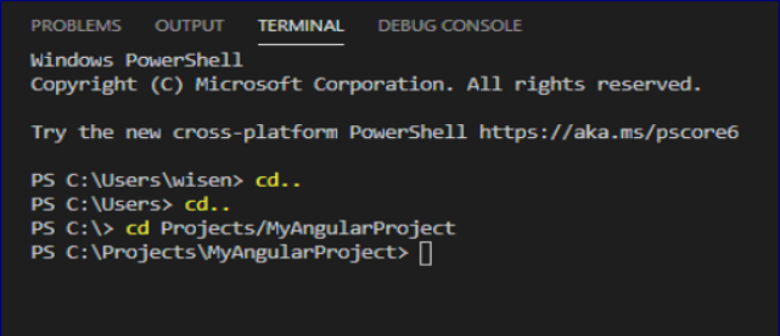
Once you navigate to the project folder in the terminal, you have execute npm command to create a new angular application for you. Write below command and press Enter
Ng new MyFirstAngularProject
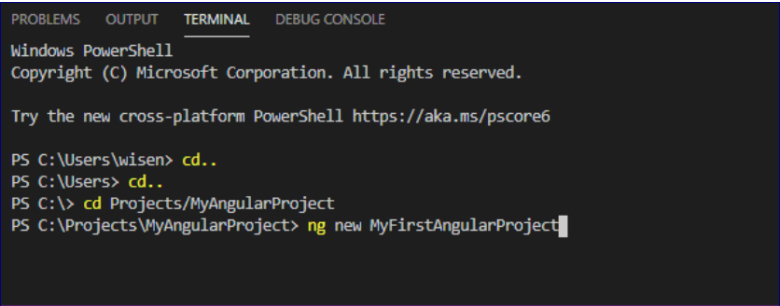
Now npm will install the angular project with their predefined files and project structure at the location where the npm command is executed. Please note there will be a lot of files that is being prepared so this process will take times based on the speed of the internet.
Once, the files are downloaded you will get confirmation message as below:
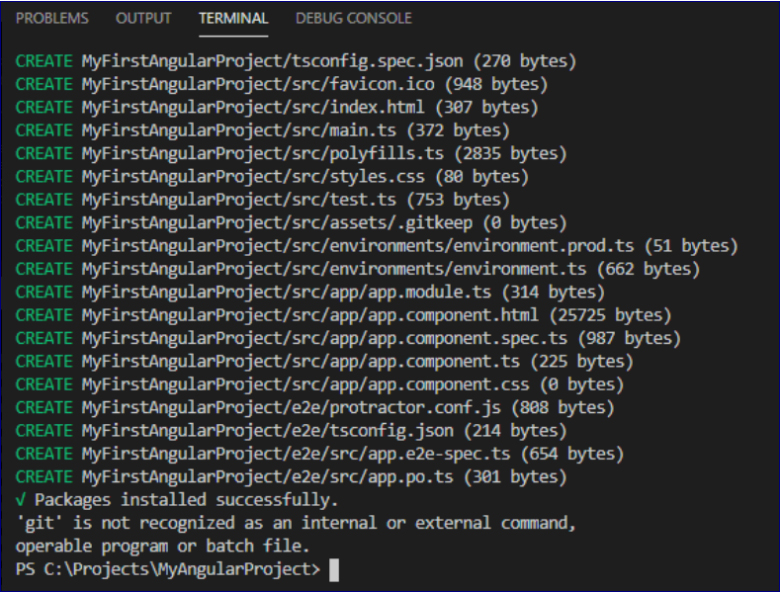
Now to verify, please go to you project folder. It will look like below:
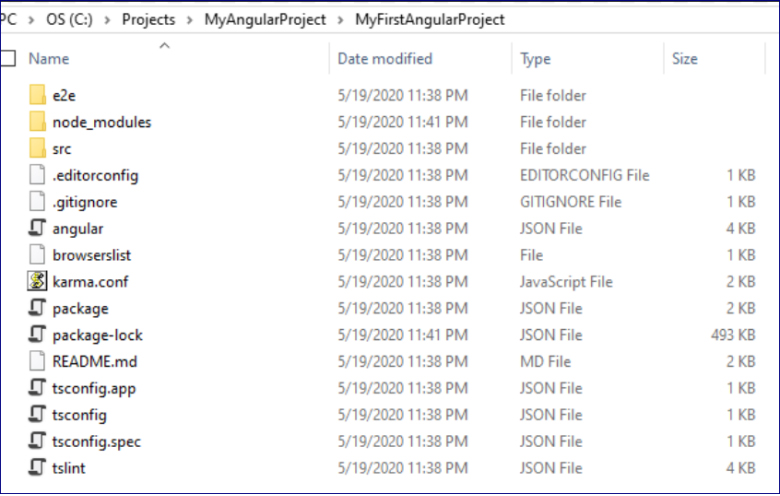
In this chapter we learned how to create a new angular application using PowerShell NPM commands.
 Tech Tutorials