Angular installation is done through NPM commands. Please install NPM package manager from https://nodejs.org/en/:
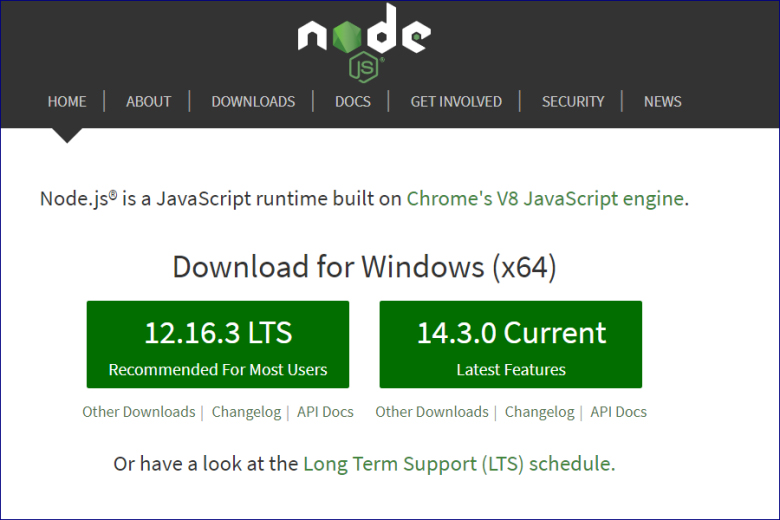
Once NPM is installed locate the Node.js command prompt to execute a set of commands needed to install angular on your machine:
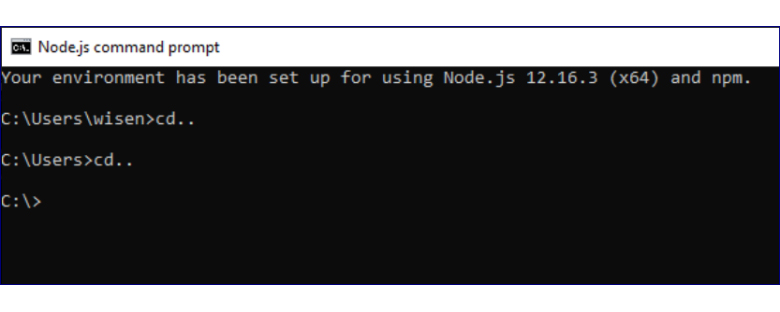
Navigate to the Project folder:
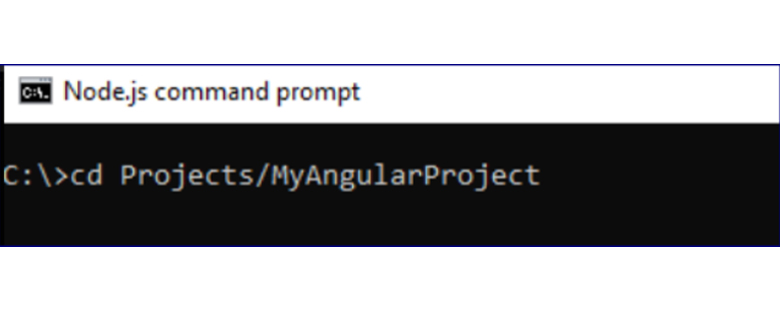
Run the angular install command. Other installation like jquery, etc can also be installed using the NPM command prompt.
npm install @angular/cli-g

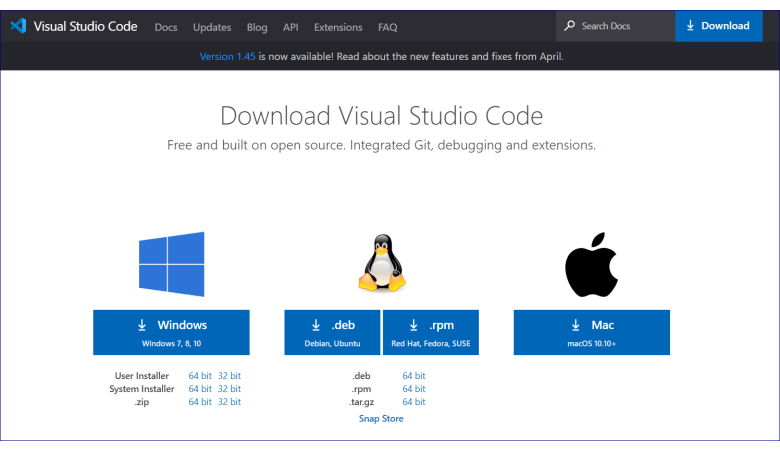
After installation of Angular, let us download the latest version of Visual Studio Code
Visual Studio Code
Visual Studio Code 2019 is a light weight open source IDE helpful to run our angular application. (https://code.visualstudio.com/download)
 Tech Tutorials